 By networkesblog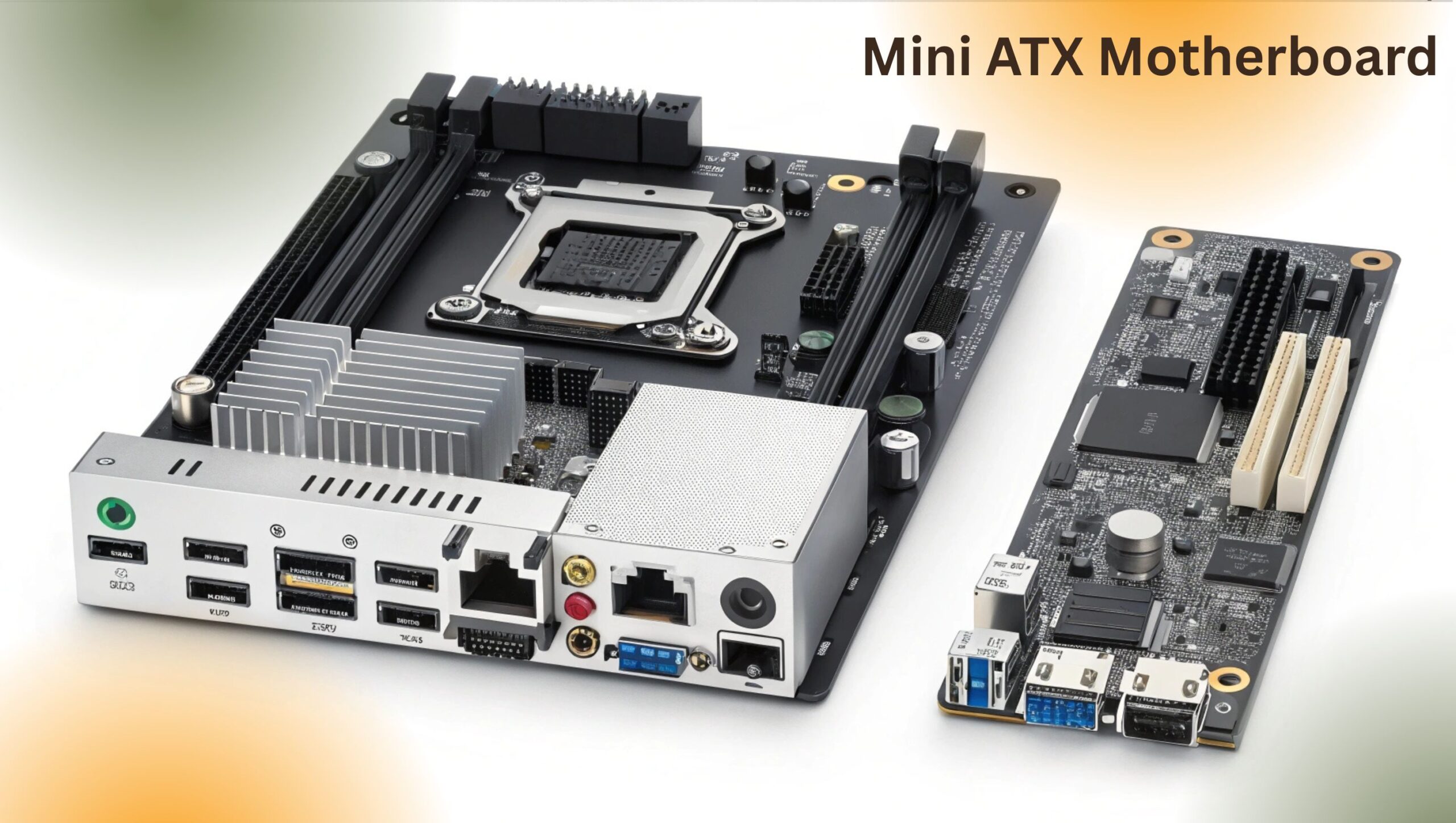
Looking to build a compact PC? Discover the best Mini ATX motherboards for gaming, content creation, and budget builds in 2025.
This guide compares Mini ATX vs ATX vs Mini-ITX, explains key features, and recommends top Intel and AMD boards. Perfect for gamers, students, and home users wanting power in a smaller package.
In the evolving world of custom PC building, there’s a growing demand for compact, efficient, and affordable setups. Whether you’re creating a sleek home office machine, a budget-friendly gaming rig, or a quiet HTPC, one question often arises: “What’s the best motherboard size for my compact build?”
Enter the Mini ATX motherboard a form factor that delivers versatile functionality, solid performance, and space-saving design. Often confused with Micro ATX (mATX), the Mini ATX term has become widely searched and used by builders seeking a middle-ground solution between full-sized ATX boards and tiny Mini-ITX systems.
In this comprehensive guide, we’ll cover:
- What is a Mini ATX motherboard (and why it matters)
- Differences between ATX, Micro ATX, and Mini-ITX
- Benefits and limitations of Mini ATX boards
- Ideal use cases
- Best Mini ATX motherboards in 2025
- How to choose the right one for your needs
- Answers to the most common questions
Let’s explore how Mini ATX can power up your next build without taking over your desk.
Though not officially recognized by Intel’s form factor standards, “Mini ATX motherboard” is often used as a synonym for Micro ATX (mATX)—a widely supported motherboard format that offers full functionality in a smaller footprint.
- Micro ATX / Mini ATX: 9.6″ x 9.6″ (244mm x 244mm)
- ATX (Standard): 12″ x 9.6″ (305mm x 244mm)
- Mini-ITX: 6.7″ x 6.7″ (170mm x 170mm)
- Supports full-size GPUs
- Compatible with Intel and AMD sockets
- 2 to 4 RAM slots (up to 128GB)
- Multiple storage options including M.2 and SATA
- USB 3.2, Wi-Fi, Bluetooth (varies by model)
So when you’re searching for a Mini ATX motherboard, you’re likely choosing a Micro ATX board with a strong feature set but more compact than a full ATX.
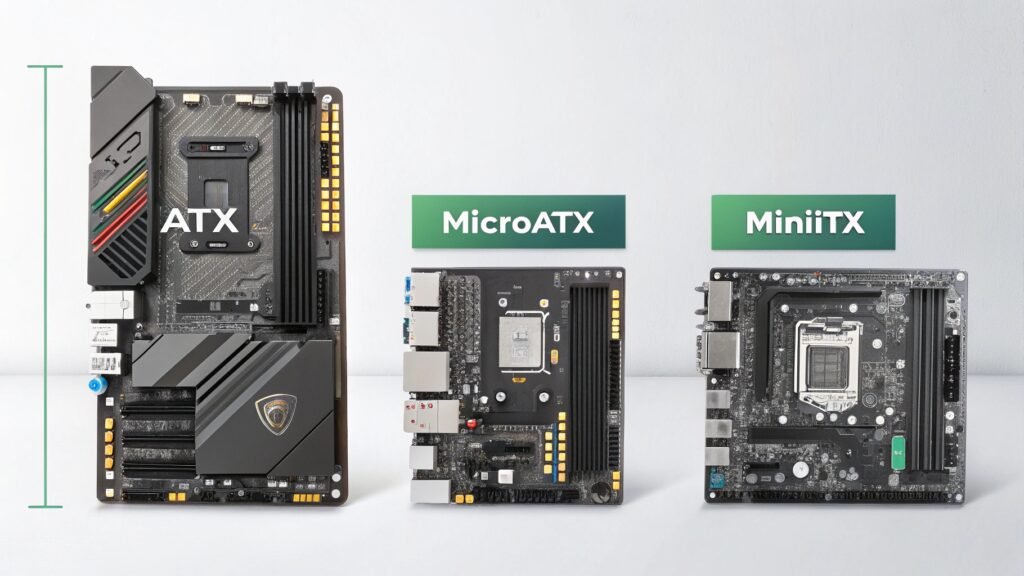
| Feature | ATX | Mini ATX (Micro ATX) | Mini-ITX |
|---|---|---|---|
| Size (W x H) | 12″ x 9.6″ | 9.6″ x 9.6″ | 6.7″ x 6.7″ |
| Expansion Slots | Up to 7 | Up to 4 | 1 |
| RAM Slots | 4–8 | 2–4 | 2 |
| GPU Support | Full-size | Full-size | Limited by space |
| PCIe Slots | Multiple (x16/x1) | 1–3 | 1 (usually x16) |
| Cooling Options | Extensive | Moderate | Limited |
| Best Use Case | High-end builds | Budget & mid-tier builds | Small form factor |
| Price Range | $$–$$$$ | $–$$$ | $$–$$$$ |
Perfect for smaller PC cases (micro or mini towers), Mini ATX boards retain essential features such as RAM capacity, storage flexibility, and discrete GPU support.
Compared to ATX boards, most Mini ATX motherboards are more affordable, making them ideal for budget-conscious users who don’t need tons of expansion slots.
Modern Mini ATX boards easily support high-end GPUs, NVMe SSDs, and powerful CPUs, making them suitable for gaming at 1080p, 1440p, or even 4K—depending on your GPU.
Mini ATX boards can fit in ATX, mATX, and some mini-ITX cases, providing flexibility for different builds.
Manufacturers now include premium features in compact boards—Wi-Fi 6E, Bluetooth 5.2, dual M.2, USB-C, RGB headers, and improved VRMs for light overclocking.
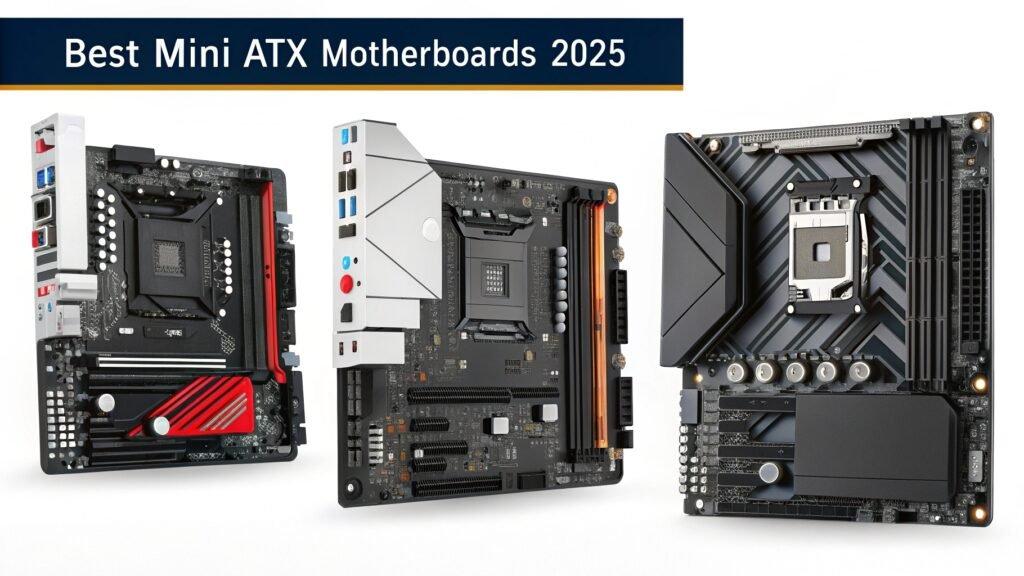
Here are some top-rated Mini ATX (Micro ATX) motherboards for both Intel and AMD platforms:
- Socket: LGA1700 (13th/14th Gen Intel CPUs)
- PCIe 5.0 GPU support
- DDR5 RAM support (up to 128GB)
- Wi-Fi 6E, Bluetooth 5.3, 2.5G LAN
- Rock-solid build with reinforced PCIe slots
- Supports 12th/13th Gen Intel CPUs
- Dual M.2, 4 RAM slots
- Aura Sync RGB support
- Great BIOS support
- Advanced thermal design
- DDR5 + PCIe Gen4
- Perfect balance of price and features
- Socket: AM4 (supports Ryzen 3000–5000 series)
- PCIe 4.0, USB 3.2 Gen 2
- Dual M.2, high-end VRMs
- Built-in Wi-Fi and RGB headers
- Affordable and reliable
- M.2 + SATA, basic overclocking support
- Ideal for Ryzen 5 and Ryzen 7 CPUs
- Next-gen Ryzen support (7000 series)
- PCIe 5.0 and DDR5 ready
- Budget-friendly entry into AM5 platform
Make sure the board supports your processor:
- Intel: LGA1200, LGA1700
- AMD: AM4 or AM5
- Do you need Wi-Fi built in?
- How many M.2 slots do you need?
- Will you use more than one GPU or PCIe device?
Look for boards with VRM heatsinks, especially if you’re gaming or doing light overclocking.
Choose boards with dual M.2 NVMe slots if you’re using fast SSDs. SATA ports are still important for HDDs or older drives.
Mini ATX lets you build a powerful gaming rig while saving on space and motherboard cost.
Perfect for a minimalist, quiet, and efficient desktop PC.
Use it for media centers or HTPCs that fit under your TV.
Some high-end Mini ATX boards support multi-core CPUs, discrete GPUs, and fast storage, suitable for moderate creative work and streaming.
- CPU: Intel Core i5-13400F
- GPU: NVIDIA RTX 4060
- Motherboard: ASUS TUF Gaming B660M-PLUS D4
- RAM: 16GB DDR4
- Storage: 1TB NVMe SSD
- Case: NZXT H510
- PSU: 550W Bronze-rated
- CPU: AMD Ryzen 7 5800X
- GPU: AMD Radeon RX 6800
- Motherboard: ASUS ROG Strix B550M-A WiFi
- RAM: 32GB DDR4
- Storage: 1TB M.2 SSD + 2TB HDD
- Case: Fractal Design Pop Mini Air
- PSU: 650W Gold-rated
Yes. Many Mini ATX boards support powerful CPUs, discrete GPUs, and fast storage—making them ideal for gaming builds.
Yes. Mini ATX (Micro ATX) is compatible with both Micro and full-size ATX cases.
They’re often the same. “Mini ATX” is a popular but unofficial term used interchangeably with Micro ATX.
Most Mini ATX boards have 2–4 fan headers. For more, you can use fan hubs or splitters.
Some models offer overclocking support (especially on AMD), but thermals and VRM quality may limit headroom compared to ATX boards.
The Mini ATX motherboard (aka Micro ATX) delivers everything you need for a powerful yet compact PC: flexibility, strong features, and reliable performance—all at a lower price and smaller size than ATX.
Whether you’re a gamer, content creator, student, or home office user, a Mini ATX motherboard lets you build a system that fits your space and your performance expectations.
What Motherboard Should 5600X Support? A Complete Compatibility & Buying Guide
ASUS ProArt Motherboard Temperature Sensor Location: Full Guide for Optimal Thermal Monitoring
ASUS Motherboard Intel CPU Fix: Troubleshooting Guide for Compatibility & Boot Issues